
How to switch between light and dark mode
Goal
Switch BoodleBox between light and dark appearance.
Quick path
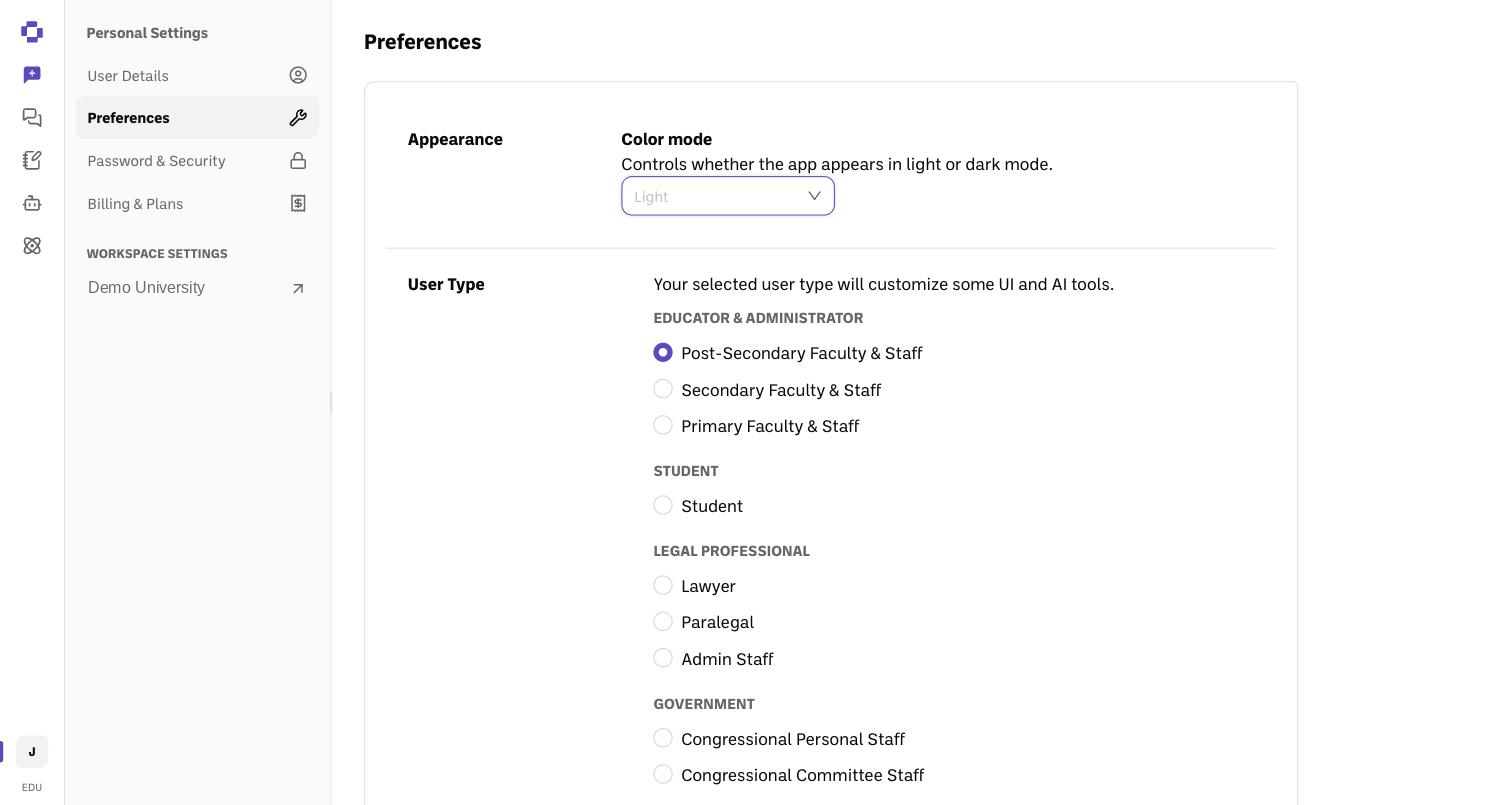
Go to Personal Settings → Preferences.
Use the Color mode setting to choose light or dark.
Step-by-step
Open Preferences. Click your initials at the bottom-left → Personal Settings → Preferences.
Set Color mode. Choose light or dark — it applies right away.
Verify it's working
The app switches to the appearance you picked.
Still stuck?
Reach out through our contact form and we'll get back to you.